
Spam Wipe field note
Blocked and Reported

Author: Rosa Bell
“Blocked and reported” describes two actions against an email address, phone number, message or account. Blocking limits contact through a particular servi
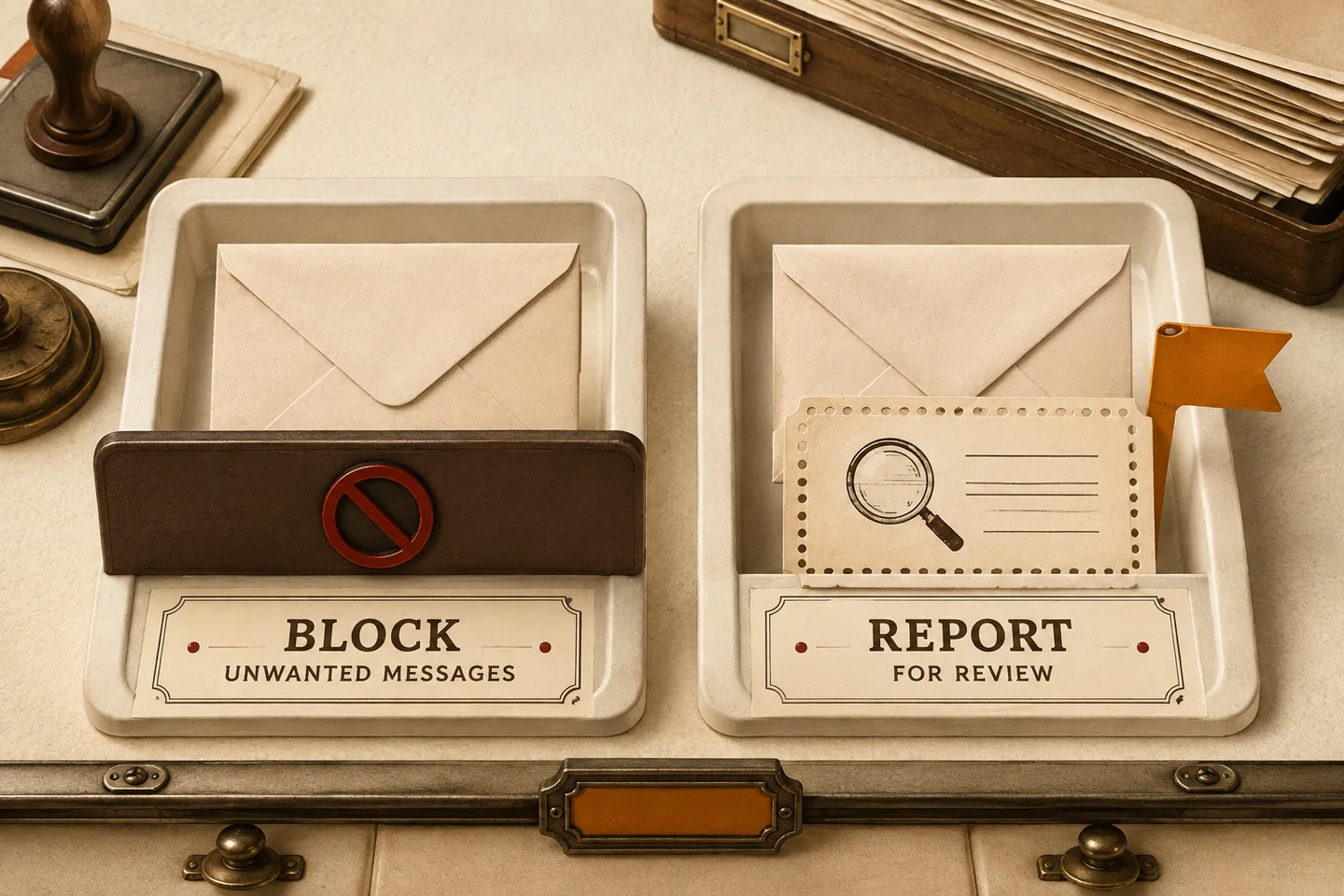
“Blocked and reported” describes two actions against an email address, phone number, message or account. Blocking limits contact through a particular service. Reporting sends information about potentially unwanted, deceptive or abusive content to an organisation that can review it.
The distinction matters because neither action is an investigation, an identity check or a guarantee that contact will stop everywhere. A sender can switch addresses, numbers or accounts. A report may be reviewed without producing a personal response.
What “blocked and reported” usually means
In email, blocking may send future messages from an address to a filtered folder rather than reject them. Reporting spam supplies information for the provider to assess. Check the confirmation screen: reporting, moving a message and blocking its sender may be separate actions. Gmail’s official guidance explains the difference between reporting spam, blocking a sender, and correcting a mistaken report.
In a messaging app, blocking may prevent direct contact or hide messages from your normal inbox. Options such as “report junk”, “report phishing” and “report abuse” describe different concerns. Choose the option that matches what you observed, rather than assuming every report has the same effect.
For calls and texts, blocking applies to a particular number or device setting. It may not stop contact from different or spoofed numbers. Use your messaging app or provider’s reporting instructions; reporting routes can vary by country and network. The FTC’s consumer guidance covers these reporting routes and the risks of suspicious text messages.
Why the wording can be confusing
A blocked sender may still have an active account. A reported profile may remain visible during review. Neither status proves that an account has been suspended or that a person has been identified. Check the service’s own help pages before drawing conclusions from a delivery indicator or missing profile.
Reporting is a request for review, not proof of wrongdoing. Describe the actual message, repeated contact or impersonation rather than guessing the sender’s identity or motives. If someone says they have blocked and reported you, respect the boundary. Do not create another account to contact them.
Distinguish unwanted marketing from possible phishing. A promotional email from a service you knowingly joined may have an appropriate unsubscribe option. An unexpected request for a password, payment or verification code calls for independent verification. Open a known website yourself instead of following the message’s link.
Warning signs include unexpected prizes, claims of an urgent account problem, impersonation and pressure to use a particular payment method. One sign alone does not prove fraud, but urgency is a reason to pause. The FTC’s scam guidance recommends slowing down, protecting personal information, and contacting an organisation through a trustworthy route rather than relying on details supplied in the message.
Block first when the contact is clearly unwanted
Use the blocking or filtering controls built into the affected service. Read the confirmation before accepting: an action may also remove the conversation or move it somewhere less accessible. If you may need evidence of threats, repeated harassment or a disputed transaction, preserve it first when safe to do so.
You do not owe an unwanted sender a reply. Avoid sending a final warning or arguing with suspicious accounts. A response may confirm that your address or number is active and give the sender another opportunity to pressure you. Block contact without explaining your decision.
Use unsubscribe controls only when you recognise the subscription and trust the message. For unfamiliar or suspicious messages, use the inbox’s reporting tools instead. You do not need to open a sender’s website, download a file or enter credentials to mark a message as unwanted.
Report when the service needs to know
Report suspected spam campaigns, impersonation, attempts to obtain sensitive information and abusive messages through the service where they arrived. Select the closest accurate category. If the form allows an explanation, keep it factual: identify the message, when it arrived and what made it concerning.
Keep evidence proportionate to the problem. Useful details include the sender address or number, date and time, subject line and relevant conversation. Preserve screenshots with enough context to show the sequence. For email, the original message and headers can retain details missing from copied text. Do not open attachments just to collect evidence.
Avoid forwarding suspicious material to friends or publishing screenshots containing private information. Store any necessary record securely. For a workplace account, use your organisation’s established reporting process. For threats, extortion or persistent harassment, seek appropriate local help rather than relying solely on a platform report.
Check for damage, not just more spam
Review what happened before you blocked the sender. Receiving a message is different from entering a password, sharing a code, installing software or sending money. Write down your actions so you can choose a relevant recovery step instead of assuming the block has undone the interaction.
If you disclosed a password, change it through the account’s trusted website or app, along with any reused passwords. Review sign-ins, recovery details, forwarding rules and connected applications. Enable multi-factor authentication where available. Use the service’s recovery process if you cannot regain access. For disclosed payment information or money sent, contact your financial provider through an independently verified channel.
Treat unsolicited offers to recover money or fix an account cautiously. Do not share passwords, one-time codes or recovery phrases, and do not grant remote access to someone who unexpectedly contacts you. Keep records of any follow-up approach alongside the original incident.
If contact continues or a report was mistaken
When another message arrives, check whether it came from the same address or number, a different account, or another channel. A display name alone is not enough to establish that two messages share a sender. Record the difference and apply the relevant control to the new contact. Review any filters you created for typing errors or overly narrow conditions.
Keep a short incident log for repeated unwanted contact: date, channel, sender identifier and action taken. This makes a pattern easier to explain without repeatedly opening the messages. Avoid collecting unrelated personal information about a suspected sender. If keeping the record becomes distressing, ask a trusted person to help organise it without engaging with the account.
If you blocked someone accidentally, find the blocked-sender list in the service’s settings and review the exact entry before removing it. Unblocking and correcting a spam report may be separate steps. Check the filtered folder for legitimate messages you still need, but assess each message on its own merits before restoring it.
If your own account is restricted, use the service’s appeal or account-support route. Keep any reference number and explain the specific restriction shown. Do not assume another person’s statement that they reported you is an official account notice.
A practical blocked and reported checklist
- Stop engaging. Do not reply, click, download, or call a number supplied by a suspicious message.
- Identify the channel. Decide whether the issue is email, SMS, a phone call, a social platform, or an account-level problem.
- Preserve limited evidence if the contact involves fraud, threats, harassment, or possible account compromise.
- Use the service’s report option and select the closest accurate category.
- Block or filter the sender, number, address, or account on the affected service.
- Verify any claimed account problem independently through a known website or trusted contact method.
- Secure your account if you disclosed information or interacted with suspicious content.
- Escalate serious harm to the appropriate provider, regulator, financial institution, or local authority.